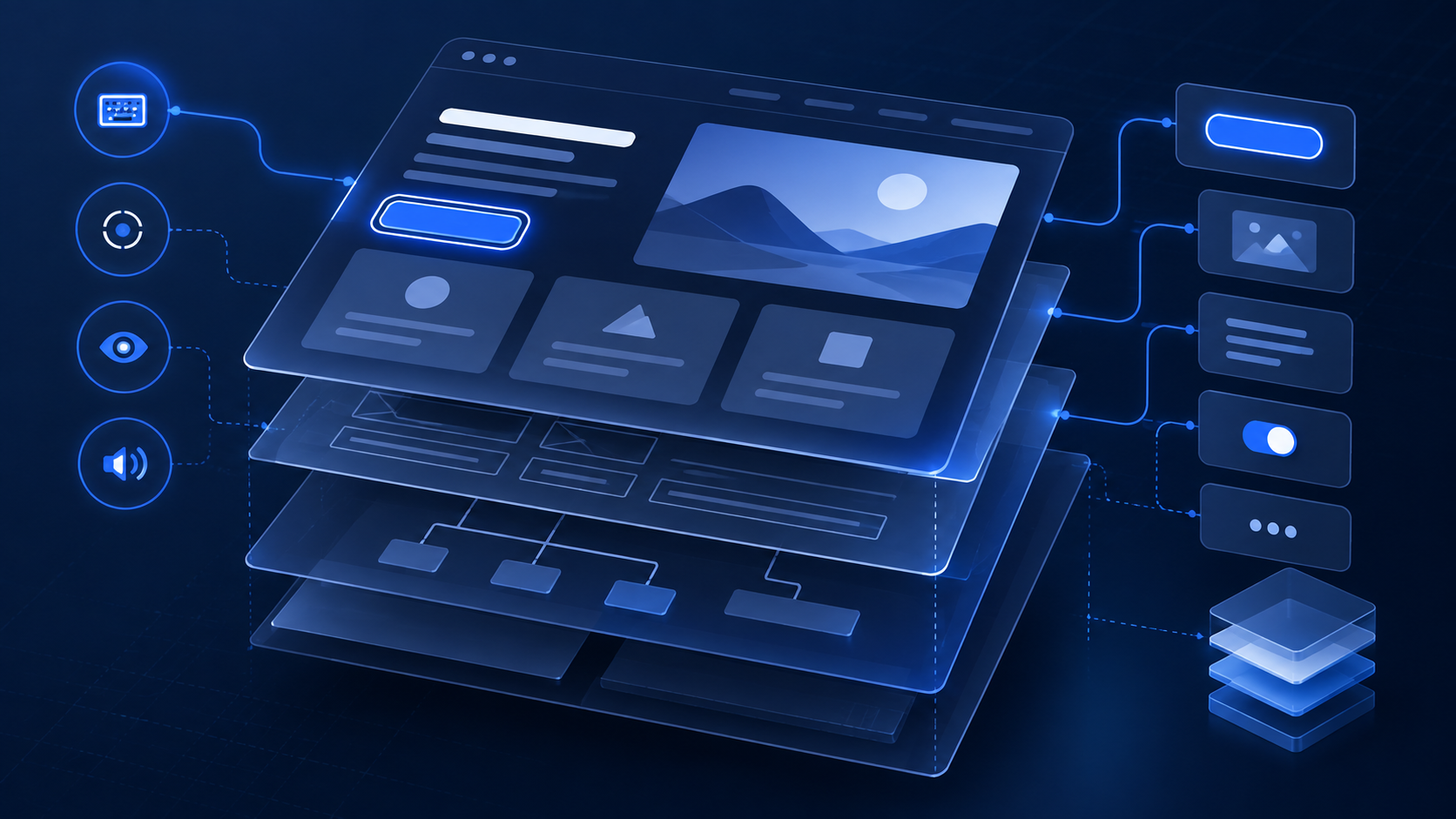
Accessibility Is Not a Checklist — It’s an Architecture Test
Most accessibility bugs are not really accessibility bugs.
They are architecture problems that accessibility testing happens to expose.
A button that only works with a mouse, a drawer that traps focus, or content that changes visually but is never announced by a screen reader usually tells us something deeper about how the interface was designed.
For a long time, accessibility was treated as something that happened near the end of a project.
Build the feature.
Get the UI approved.
Connect the API.
Run QA.
Then someone asks:
“Is it accessible?”
That process is backwards.
Accessibility should influence the way we build components from the beginning.
Accessibility exposes weak components
Consider a custom button.
Visually, it might look perfect.
But if it is implemented as a div with an onClick, you immediately inherit problems.
Keyboard users may not be able to activate it.
Focus behavior becomes inconsistent.
Screen readers may not understand what the element does.
You then start adding ARIA attributes and keyboard handlers to recreate behavior the browser already gives you with a native button.
The accessibility problem was actually a component-design problem.
Good frontend architecture starts by respecting the platform.
HTML already contains decades of accessibility behavior.
We should take advantage of it.
Design systems are where accessibility really scales
Fixing accessibility page by page is expensive.
Fixing it at the component level is much more powerful.
If the modal in your design system handles focus correctly, every feature that uses that modal gets the benefit.
If your buttons, accordions, form controls, error messages, and navigation components have proper semantics, developers don't need to reinvent accessibility every time they build a screen.
That is one of the reasons I think accessibility becomes an architectural responsibility at senior levels.
You aren't only asking:
“Does this page work?”
You are asking:
“How do we make the correct behavior the default for every engineer who builds the next 50 pages?”
That is architecture.
Screen readers are excellent engineering tools
One thing I appreciate about screen-reader testing is that it forces you to experience your UI differently.
Visual interfaces can hide structural mistakes.
A heading might look like a heading because CSS makes it large and bold.
But if it is actually a div, assistive technology doesn't know that.
A screen reader strips away much of the visual presentation and exposes the underlying structure.
That can be uncomfortable.
It can also be incredibly useful.
Keyboard navigation does something similar.
Try navigating an application without touching the mouse.
You will discover very quickly whether the interaction model actually makes sense.
Accessibility also makes products more resilient
Accessibility work often improves the product for everyone.
Clear focus states help keyboard users, but they also help power users.
Better labels help screen readers, but they also improve form clarity.
Good semantic structure improves accessibility while making the code easier to understand and maintain.
Accessible interfaces also tend to survive changes better because their behavior is based on clear structures instead of visual assumptions.
That matters in large applications.
The senior engineering question
At some point, frontend engineering stops being primarily about turning designs into screens.
You start thinking about systems.
Patterns.
Failure modes.
Maintainability.
User behavior.
Accessibility belongs in that conversation.
Not because there is a checklist somewhere saying we should care about it.
But because building software that works for more people is part of building software well.
The question I increasingly ask is not:
“Did we make this feature accessible?”
It is:
“Did we build the system in a way that makes accessibility the default?”
That is a much harder question.
But it leads to much better software.